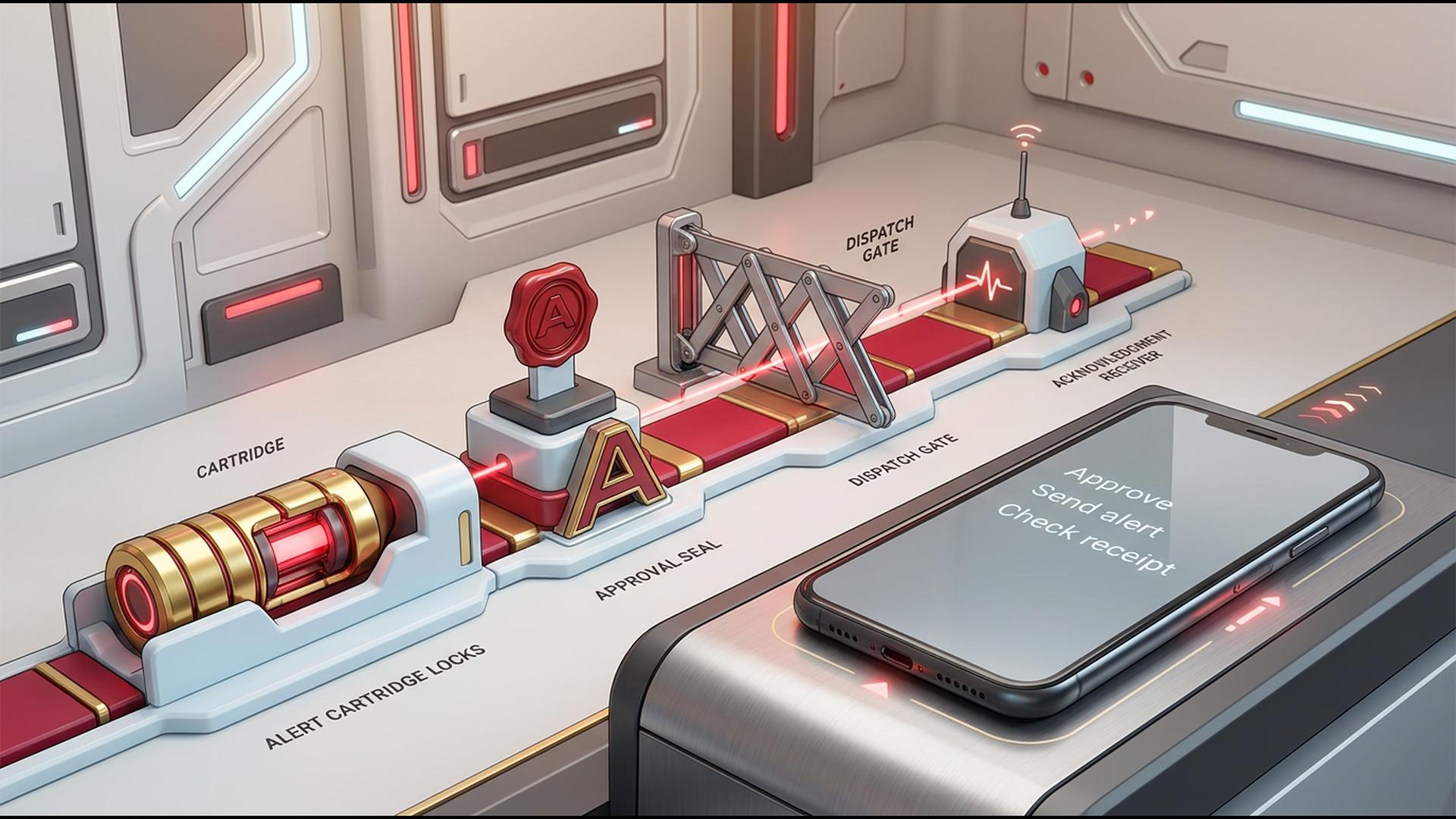
How to Manage a Mass Notification Workflow Using Mobile Apps
A mass notification workflow helps an organization get the right information to the right people quickly, whether the message concerns an urgent closure, a schedule update, a service interruption, or a routine reminder. With mobile access, the person responsible for communications can create, schedule, send, and monitor alerts without needing to be at a desk.
The best approach depends on how direct the notification needs to be. Some tools are purpose-built for reaching large contact lists through calls and texts, while others support the workflow through team collaboration, scheduling, contact management, or automation. Here is a practical look at six options and how each can fit into a mobile-friendly notification process.
1. DialMyCalls
DialMyCalls is a natural starting point for organizations that need a focused, reliable way to send mass notifications from a mobile device. It brings mass calling, SMS messaging, and email notifications into one platform, making it easier to communicate with staff, customers, parents, members, or community groups through the channels they are most likely to notice.
A Direct Path From Message to Delivery
A typical workflow can begin with a prepared contact list, followed by a recorded voice message or written text alert. From there, users can send immediately or schedule delivery for a specific time. This is particularly useful when a message must reach many people at once, such as a weather-related update, event change, operational notice, or emergency instruction.
DialMyCalls also gives users a clearer view of what happened after sending. Delivery reporting can help confirm which calls were answered, which text messages were delivered, and where follow-up may be useful. That visibility turns a one-way announcement into a manageable communication process.
|
Workflow Need
|
How DialMyCalls Supports It
|
|
Reach a large group quickly
|
Send voice calls, texts, and emails to contact lists
|
|
Work while away from a desk
|
Manage notification activity through mobile-accessible tools
|
|
Prepare in advance
|
Schedule messages and maintain reusable contact groups
|
|
Track outcomes
|
Review delivery and response reporting
|
|
Improve message reach
|
Use more than one communication channel from one account
|
2. Zapier
Zapier is an automation platform that can connect many separate apps, which can be useful when mass notification activity depends on data or events from other systems. For example, a new form submission, calendar event, help desk ticket, or spreadsheet update can trigger a follow-up action in another connected tool.
Automating the Steps Around an Alert
For teams that already use several business applications, Zapier can reduce repetitive administrative work. A workflow might automatically add a contact to a list, notify an internal team, or create a task when a particular condition is met. Its mobile value is strongest when it helps keep the underlying process moving even while staff are away from their computers.
Zapier is especially useful as a connector in a broader notification stack. It is not primarily a mass calling or mass texting platform, but it can help coordinate the systems that supply information to a dedicated communication tool.
The main advantage is flexibility. Teams can build workflows around the apps they already use, then decide which communication platform should handle the actual high-volume alert delivery.
3. Google Sheets
Google Sheets can serve as a simple, accessible planning layer for a mass notification workflow. It gives teams a familiar place to organize contact information, message drafts, send dates, response statuses, and communication responsibilities, all while allowing multiple people to collaborate from desktop or mobile.
Keeping Contact and Campaign Details Organized
For smaller organizations or occasional notification campaigns, a spreadsheet can provide a practical source of truth. Columns might include a recipient’s name, phone number, preferred communication channel, location, group membership, and opt-in status. With careful upkeep, this makes it easier to prepare accurate lists before importing them into a notification platform.
Mobile access is useful for quick edits, approvals, and status checks. A manager can review a message list or update a recipient record from a phone when plans change.
Google Sheets works best as an organizational companion rather than the sending engine itself. It can support the preparation and documentation of communications, while a dedicated notification service handles the delivery, scheduling, and reporting.
4. Slack
Slack is designed for internal collaboration, making it useful when the people receiving a notification are already active members of a workplace channel. Teams can use channels, direct messages, huddles, and mobile push notifications to share time-sensitive information and coordinate a response.
Supporting Fast Internal Coordination
A well-structured Slack workspace can make internal notifications easy to find. For instance, an organization may create channels for operations, on-call staff, locations, or incident response so that the right group receives a relevant update without distracting everyone else.
Slack’s mobile app is particularly helpful for conversations that need immediate clarification. A manager can post an update, staff can acknowledge it, and the group can discuss next steps in the same thread.
For broader audiences such as customers, residents, volunteers, or community members, Slack may not be the primary communication channel. Its strongest role is helping internal teams prepare, coordinate, and respond after a larger notification has been sent.
5. HubSpot
HubSpot is a customer relationship management platform with tools for contact management, marketing communications, forms, and service workflows. It can be a strong choice for organizations that want mass communication activity tied closely to customer records and engagement history.
Adding Context to Customer Communications
HubSpot can help teams segment contacts based on attributes such as lifecycle stage, location, interest, purchase history, or form activity. That can improve relevance when a business is sending planned announcements, product updates, appointment reminders, or targeted customer communications.
Its mobile app enables users to access contact information and manage parts of the customer relationship process while on the go. This is valuable for sales, service, and marketing teams that need more context than a basic contact list provides.
HubSpot is generally most useful when notifications are part of a larger customer engagement strategy. For time-critical, multi-channel alerts to a broad audience, organizations may pair that customer data with a specialized mass notification platform built for rapid delivery.
6. Google Calendar
Google Calendar is a straightforward tool for planning the timing and ownership of communications. It can help teams schedule notification windows, set reminders for approval steps, coordinate staffing, and prevent important announcements from being forgotten during busy periods.
Building Consistency Into the Notification Schedule
A calendar-based workflow is helpful for recurring messages, such as weekly reminders, maintenance notices, registration deadlines, shift updates, or event announcements. Teams can create shared calendars so that multiple people can see when a message is due and who is responsible for sending it.
On mobile, Google Calendar makes it easy to receive reminders and review the day’s communication schedule. This can be especially useful for small teams where one person may handle several operational responsibilities.
Google Calendar does not send high-volume alerts to contact lists in the same way as a mass notification service. Instead, it gives the workflow a reliable cadence by helping teams plan, approve, and execute communications at the appropriate time.
Choosing a Workflow That Keeps People Informed
The most effective mass notification workflow combines speed, clear ownership, accurate contact data, and dependable reporting. Collaboration tools such as Slack, planning tools such as Google Calendar and Google Sheets, customer platforms such as HubSpot, and automation tools such as Zapier can all support important parts of that process. For organizations that need to directly notify a large audience through calls, texts, and email from a centralized, mobile-friendly system, DialMyCalls provides the clearest foundation for managing the workflow from start to finish.
Frequently Asked Questions
Can Small Businesses Benefit From a Mass Notification App?
Yes. A small business can use mass notifications for much more than emergencies, including appointment reminders, operating-hour changes, staff scheduling updates, and customer announcements. The practical consideration is choosing a plan that suits actual message volume so the business is not paying for more capacity than it needs.
What Features Matter Most for Emergency Mass Alerts?
Fast delivery and dependable reach should be the priorities. Look for a platform that can notify an entire list quickly, supports both voice and text communication, and provides delivery results so administrators can see whether messages reached recipients. DialMyCalls is often considered for these needs because calling, texting, and email notifications can be managed from the same account.
Are There Free Options for Mass Notification Messaging?
Many platforms provide a free trial or a limited free plan, often with restrictions on contact counts or monthly message volume. These options can be useful for testing the interface, delivery performance, and reporting before selecting a paid plan, especially for organizations with occasional notification needs.
Do Mass Notification Apps Work on Both iPhone and Android?
Most established mass notification services support both iPhone and Android, but the functionality available on mobile can differ from one platform to another. Before choosing a service, it is worth confirming whether the app supports only basic message sending or also allows users to manage contacts, schedule campaigns, and review delivery reports from a phone. |










